

How to connect Claude to the tools you already use. We explained the difference between MCP (the open standard) and connectors (the implementations you actually install), where they run across Claude.ai, Desktop, Code, and the API, and how we use them day to day.
Three live demos showed Claude reading and writing Notion tasks, triaging Help Scout tickets, and chaining connectors together to turn a mailbox of tickets into a structured Google Sheet — all from plain-English prompts. We closed on safety, permissions, and how to get started this week.

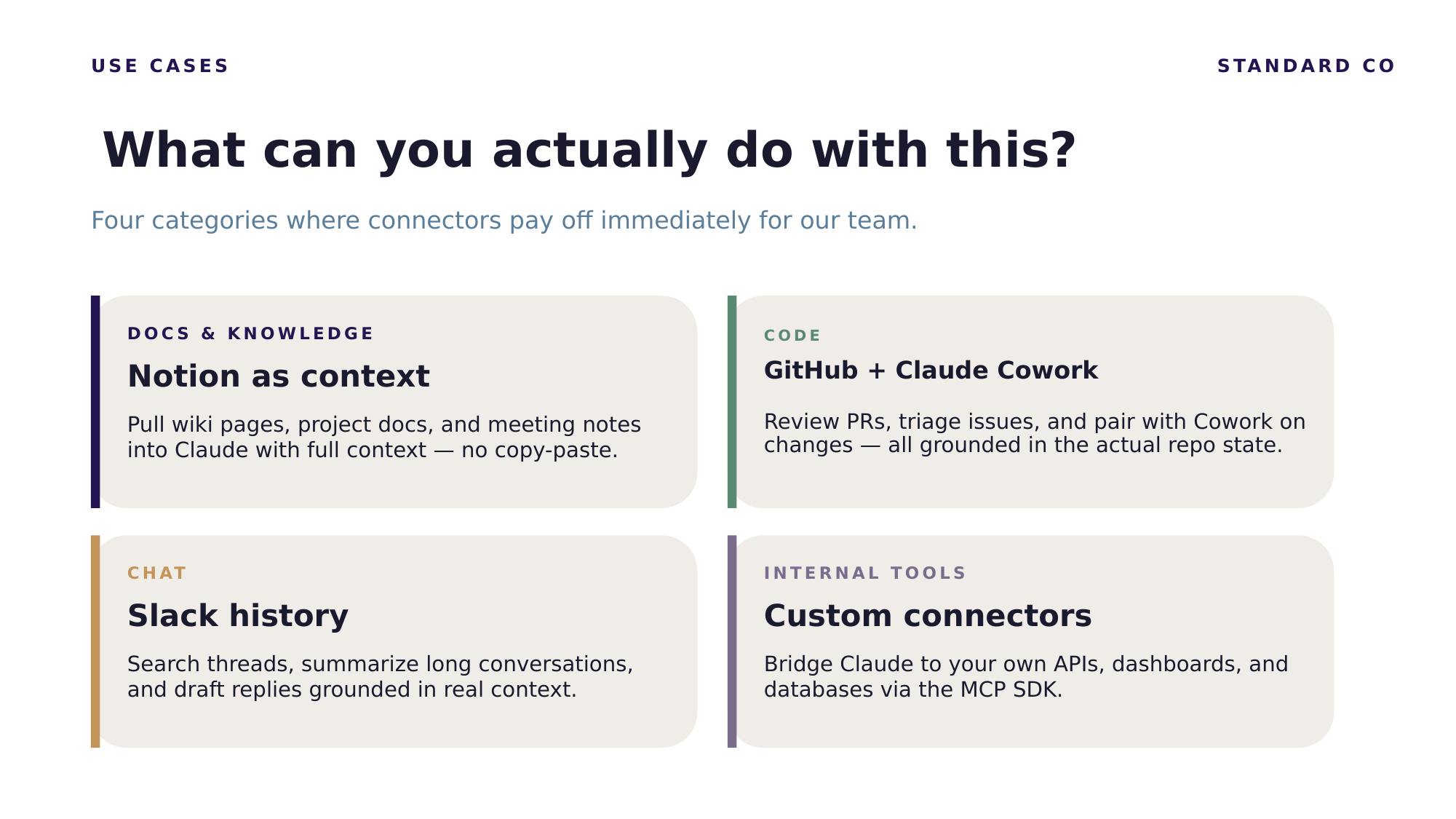
MCP (Model Context Protocol) is the open standard — the spec. A connector is a concrete MCP server for a specific tool such as Notion, Slack, GitHub, or Help Scout. You do not use MCP directly; you install and authorize connectors that are built on it.
Everywhere Claude runs — Claude.ai on the web, Claude Desktop, Claude Code, and the Claude API. Setup differs slightly per surface, but the concept is the same.
Both. Connectors are two-way: Claude can read tickets, pages, and threads, and also create, update, and comment. In this session Claude drafted and posted a reply on a Help Scout ticket and built a Google Sheet from ticket data.
In Claude Code, run /mcp to list every server it can reach and whether each is connected or needs authentication. If a tool is not in /mcp, Claude cannot reach it — start your debugging there.
Connectors are permission-aware: each is scoped to only what you approve, you grant least privilege, and Claude asks before destructive actions like deletes or public posts. You can also codify which connectors are allowed where in your CLAUDE.md.
We run these every month. Email me and I'll add you to the invite.
Email TJ151 Ted Turner Drive, Atlanta, GA
Let's talk: info@standardco.de